Alesis KitStream | Mic and stream your kit
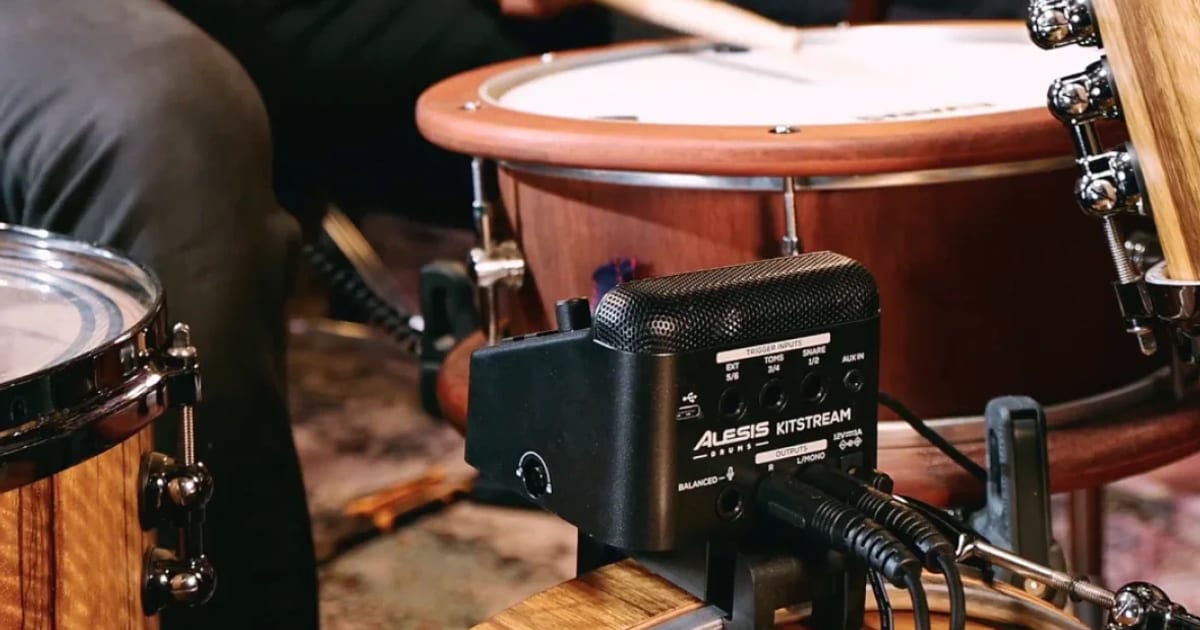
Alesis KitStream clamps to your bass drum hoop and records, triggers and streams your acoustic kit from one box, with no stands or mixer.
Want to post a drum cover? First you need mics, stands, cables and an interface or mixer. Then you spend half an hour setting it up before you play a note.
Alesis thinks one box can replace all of that. It’s called KitStream, and it went on sale today.
It isn’t trying to replace a studio. It’s a content tool: a way to get your acoustic kit onto YouTube, Instagram or a lesson call with as little setup as possible. So what does it actually do? Let’s find out.
What is KitStream?
KitStream records, streams and adds sounds to an acoustic kit, all from one unit. It clamps to your bass drum hoop, right in the middle of the kit, and a built-in stereo mic captures everything around it.
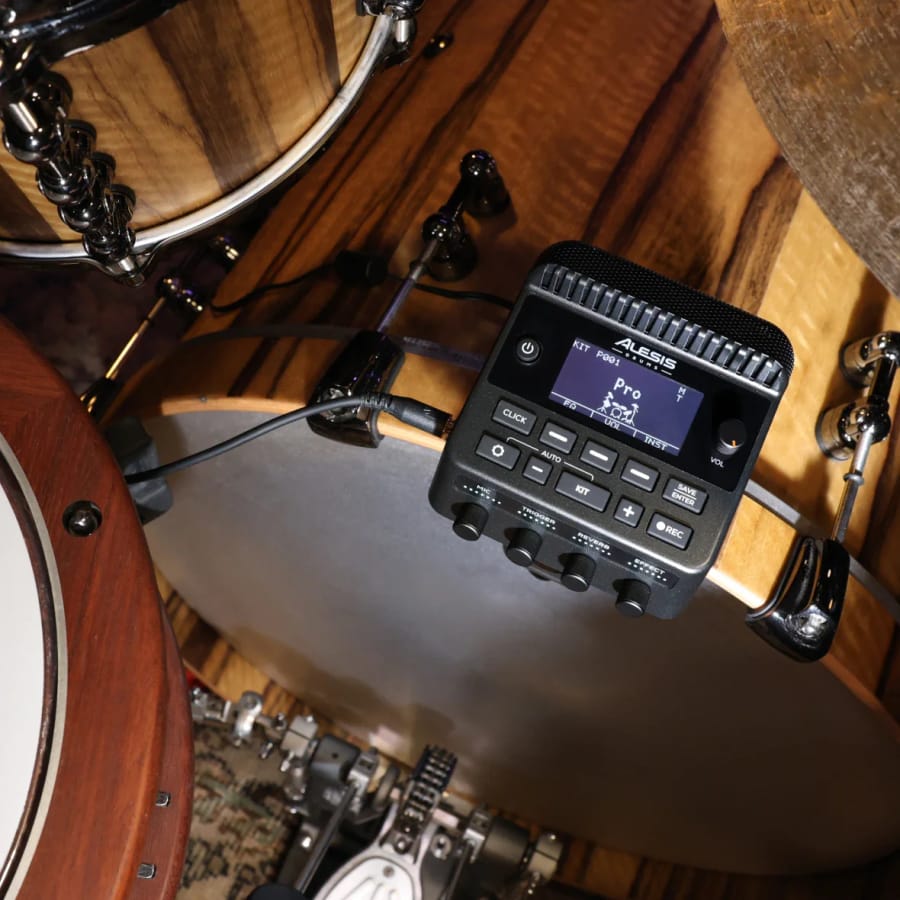
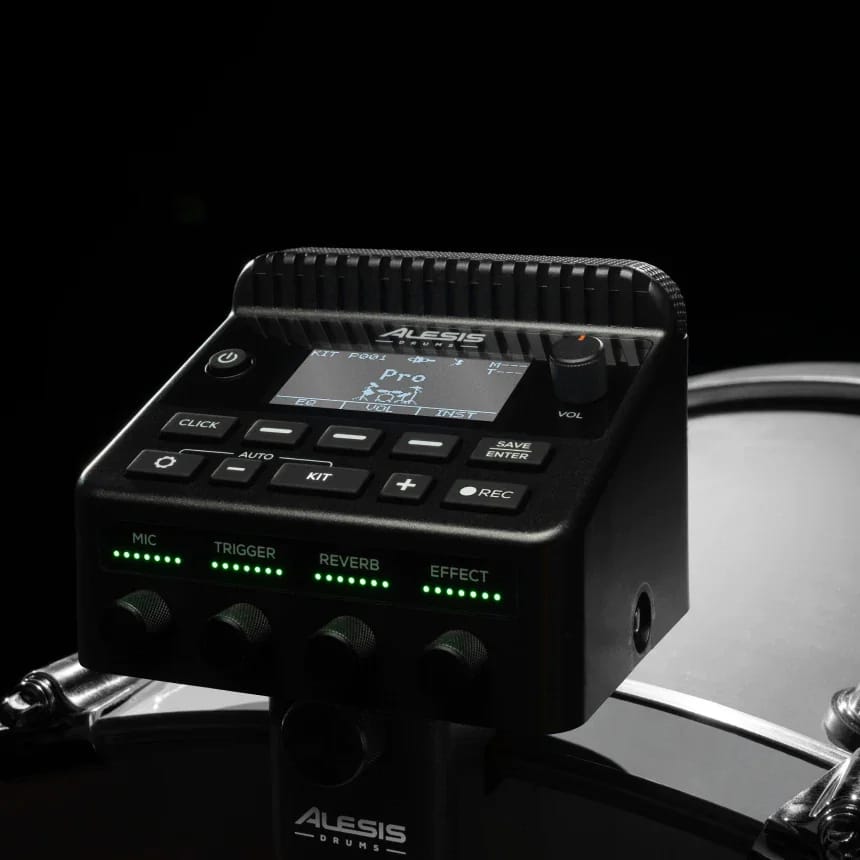
There are no mic stands, no separate mixer and no snake of cables. The unit has EQ, compression, reverb and other effects built in. Four knobs on the front, labelled Mic, Trigger, Reverb and Effect, cover the controls you’ll use most.
How do you record and stream with it?
There are three ways to capture your playing:
- On the unit. Hit record, play, and play it back. No computer needed.
- Into a DAW. KitStream works as a USB-C audio and MIDI interface. It comes with Ableton Live Lite, so you can start recording at home straight away.
- To your phone. Connect a smartphone and livestream straight to social media.
There’s also Bluetooth audio and an aux input. That means you can play along to backing tracks or an online lesson and record the result.
Can it trigger sounds?
Yes. KitStream has 500 drum and percussion sounds built in, with 50 preset kits and room for 100 of your own. You can import your own samples as well.
The rear panel shows three trigger inputs, labelled Snare 1/2, Toms 3/4 and Ext 5/6. Add triggers to your drums, or use a bass drum trigger, and you can layer electronic sounds on top of your acoustic ones. That turns any acoustic kit into a hybrid kit.
There’s also a balanced XLR input for a second mic. Use it as a spot mic on a side snare, an extra floor tom or the cymbals. Or plug in a vocal mic, so you can talk to camera or teach a lesson without extra gear.
Who is it for?
Drummers who make videos, mostly. If you post covers or Shorts, teach online, or just want a decent recording of your practice, KitStream removes most of the setup that gets in the way.
It also comes with three months of free Drumeo, which makes it look aimed at younger and newer players as much as YouTubers.
If you already have a set of drum mics and an interface, this isn’t for you. It’s a shortcut, not an upgrade.
See it in action
Here’s Alesis’s launch video. Bear in mind it’s the official promo, not an independent test:
How much is it?
The launch reports don’t agree on the price. German site Bonedo puts it at €399.99, while Amazona says €339.99. We haven’t seen UK or US pricing yet, so check the shops below for the current figure.
Where can I buy one?
The right shop depends on where you are: Guitar Center in the Americas, Gear4music in the UK, or Thomann for Europe and the rest of the world.
Final thoughts
We haven’t had one in the room yet, so this is a first look, not a review. The idea is a good one. Most drummers who want to post videos give up at the mic-and-cable stage, and KitStream takes that stage away.
The big question is the mic. A single stereo pair at the bass drum has to capture the whole kit, from the kick right next to it to the ride on the far side. How balanced that sounds will decide whether KitStream is a great tool or just a convenient one. We’d love to find out.
In the meantime, see how the Alesis Nitro Max stacks up, or read our guide to connecting drums to a computer.
Keep reading

News
Anika Nilles | Unlearning technique for Rush
Anika Nilles dropped years of hard-won technique to play Neil Peart's parts. Here's what changed for Tom Sawyer, and what it teaches working drummers.
News
Bonham Drumheads is now Kitson Drumheads
The independent UK drumhead maker has finished the rebrand it began in September. The name is new, but the team, heads and pricing are said to be unchanged.
News
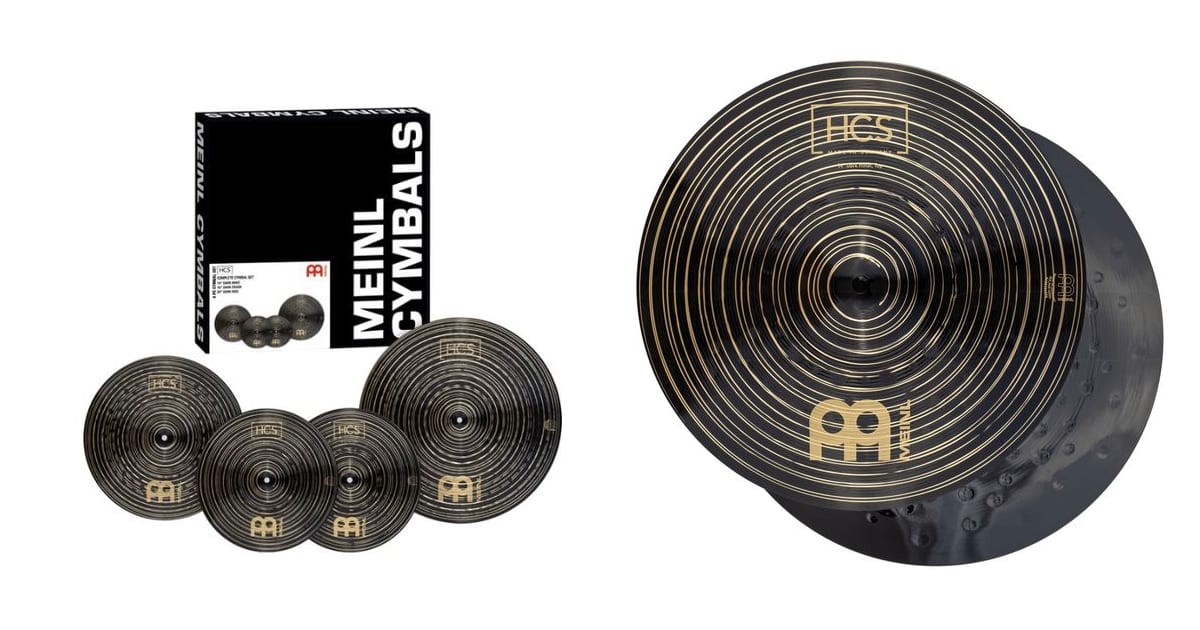
Meinl HCS Dark | A dark-finish set for $400
Meinl's entry-level HCS cymbals now come in a dark finish. The 14/16/20 Complete Set is about $400 / €399, aimed at students and rock and pop players.